Private. No Subscription.
Turn PDFs, EPUB books, web pages, and documents into natural audio—right on your Mac. No uploads. No cloud. Your data never leaves your device. Enjoy lifelike voices and UNLIMITED daily listening—without monthly fees.
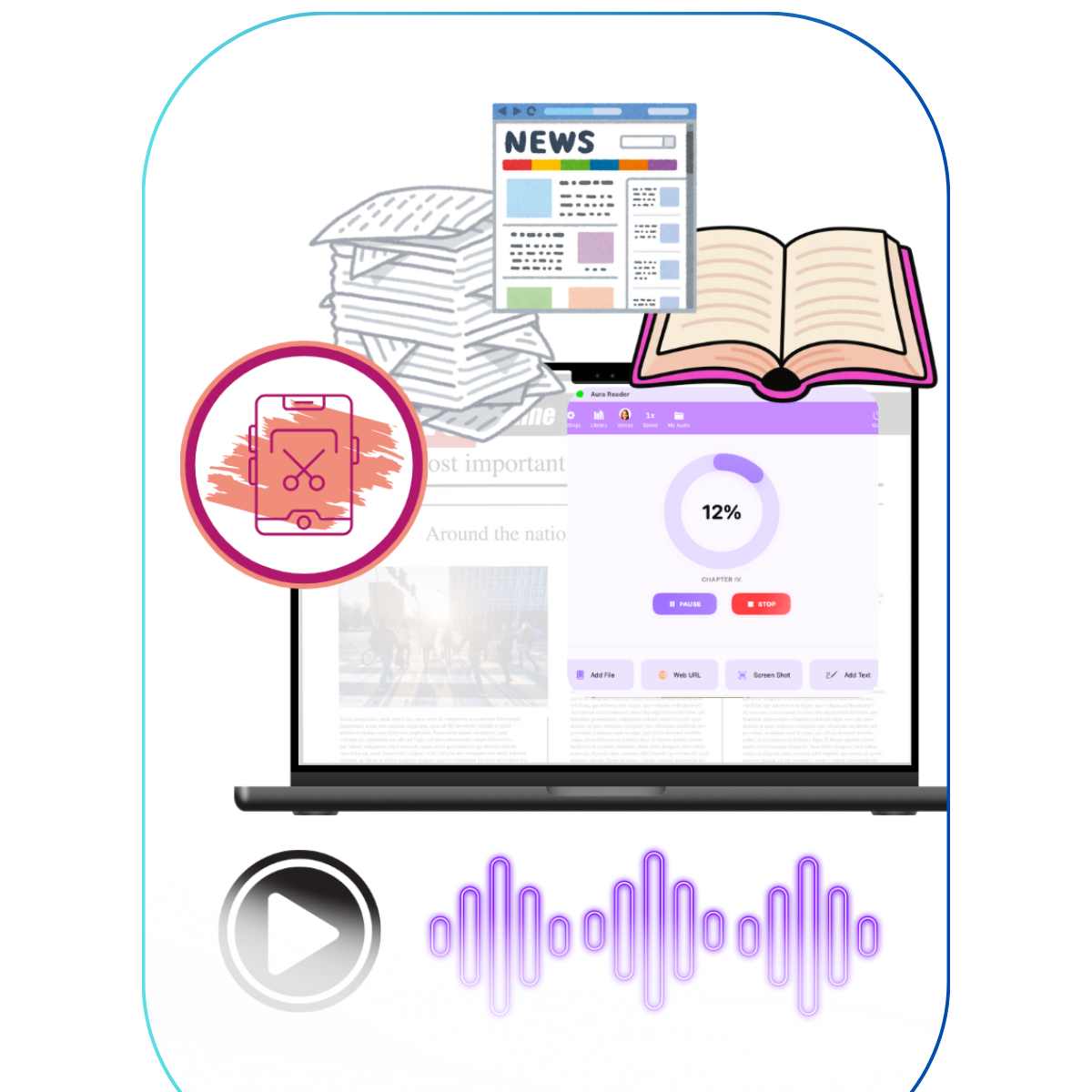
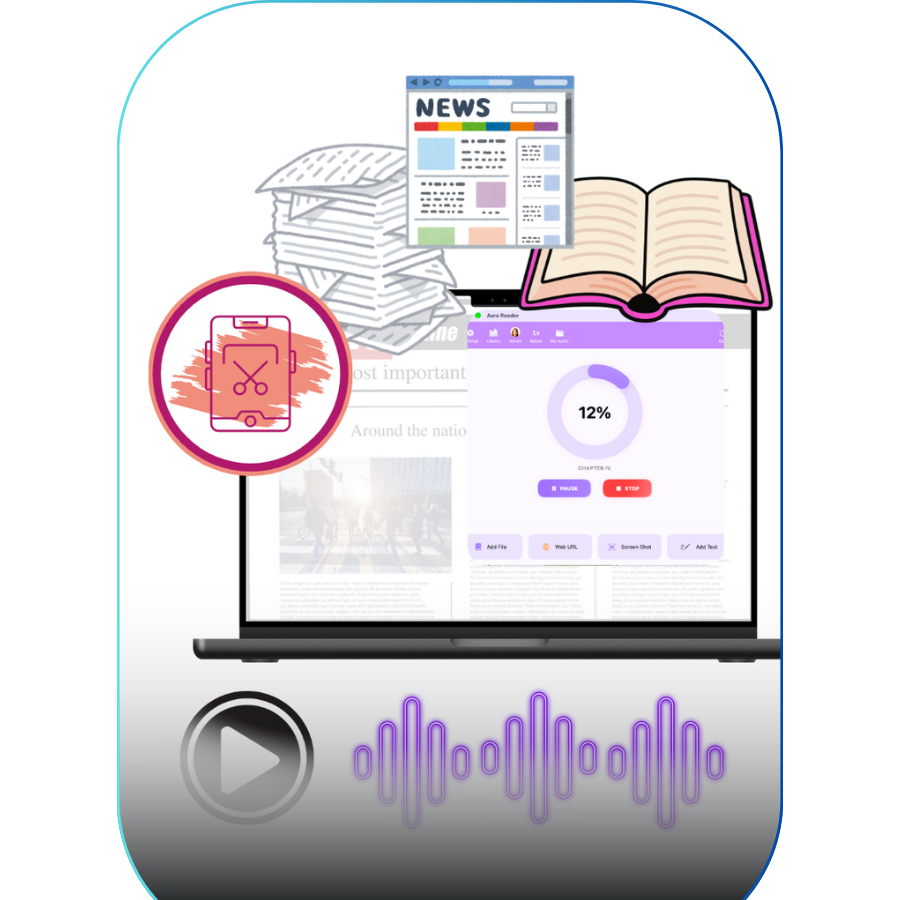
Read Less. Listen More.
Study, work, or relax with natural voice audio — unlimited use, free or a one-time $9.99 upgrade.
Too much reading
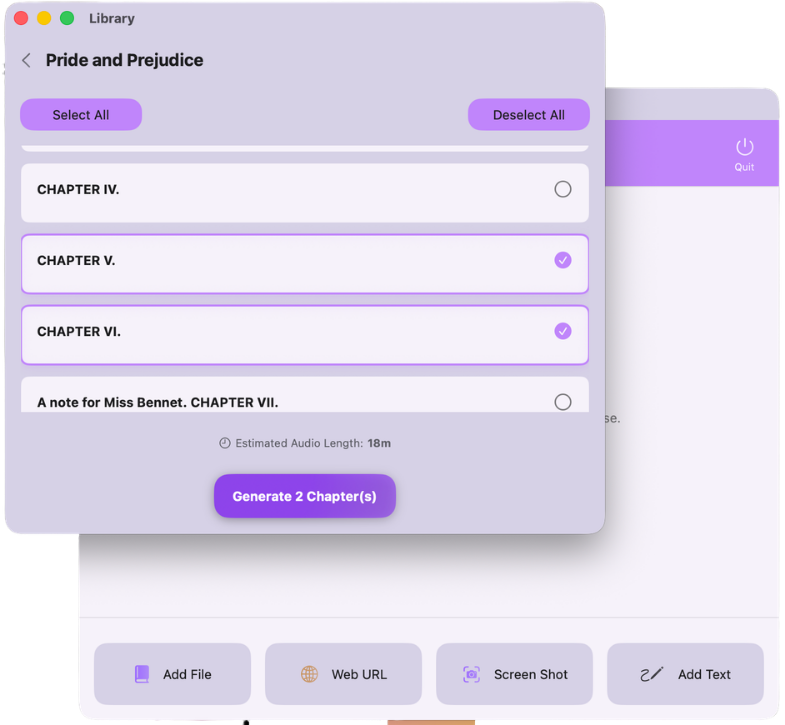
Turn chapters, PDFs, and reading assignments into audio.
Listen while walking, commuting, or reviewing — and keep up with heavy workloads.
Time pressure
Convert reports, legal documents, research, or long emails into audio.
Stay productive by listening during commutes, workouts, or daily routines.
No time to sit and read
Turn articles, web pages, or public-domain books into audiobooks.
Enjoy your reading while cooking, cleaning, or relaxing.
How it works?
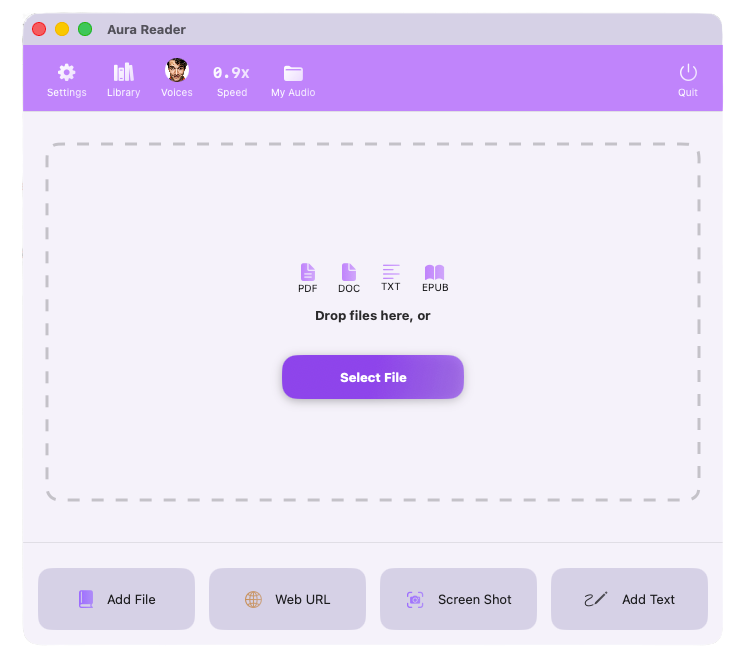
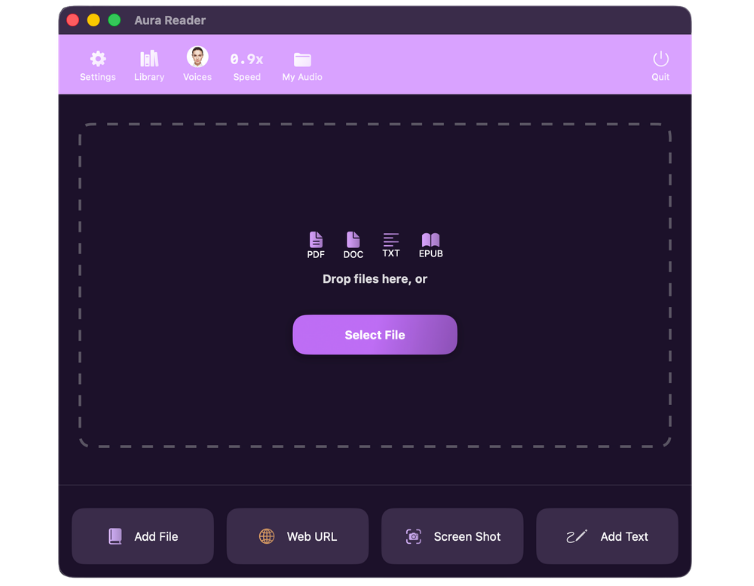
Drag and drop to convert them into natural audio — processed locally, private, and ready to listen anywhere.
Features
No monthly fees. No daily limits — even on the free plan. Upgrade once for full lifetime access for one-time $9.99

Natural-Sounding Voices
Clear, human-like speech that makes long listening comfortable and engaging.
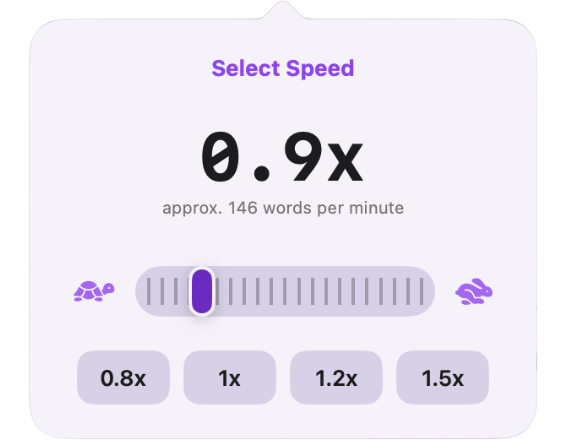
Speed Control
Adjust playback speed to match your pace — from careful study to fast review.
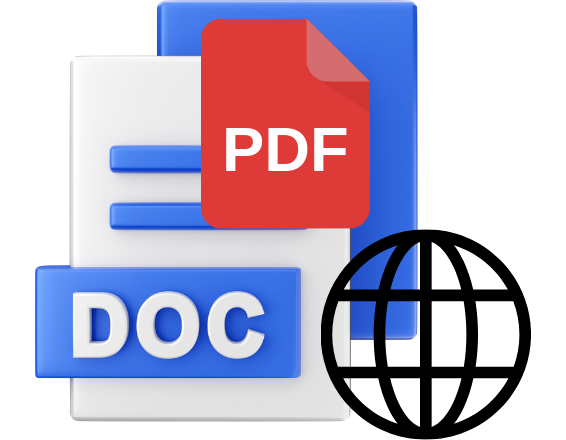
Multiple Content Sources
Listen to web pages, PDFs, documents, and more — all in one place.

Image to Speech
Snap images and turn printed text into instant audio.

Full ePub Support
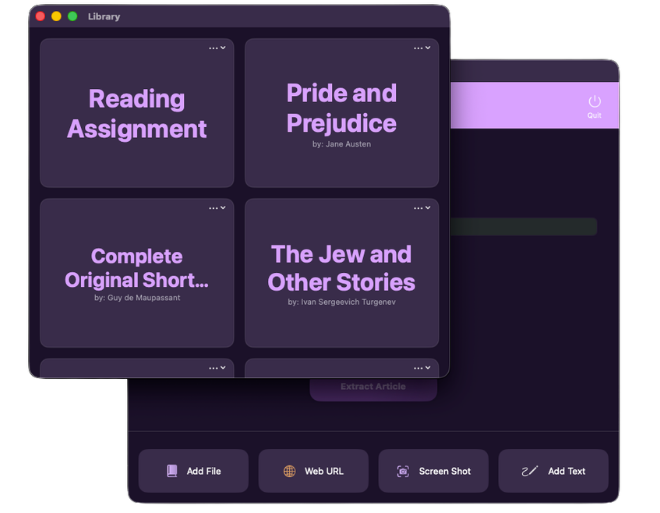
Load entire books and enjoy smooth, continuous listening.

Private by Design
All processing happens locally — your files never leave your computer.
Simple, One-Time Pricing
Most text-to-speech apps cost $20–$30/month. Aura Reader runs locally with natural voices — free to use, or unlock everything for a $9.99 lifetime license. No subscription.
Free
Essential Reading
$ 0 /Forever
All 31 Natural Voices
Unlimited Daily Usage
Adjustable Speed from (0.5×–2.5×)
100% Local & Private
Use generated audio commercially
Up to 30 mins per session
Generate long content section-by-section
Premium
Unlimited Power
$ 9.99 /Lifetime
All 31 Natural Voices
Unlimited Daily Usage
Adjustable Speed (0.5×–2.5×)
100% Local & Private
Use generated audio commercially
 No Session Limits
One-click long-form generation
What our users say
⭐⭐⭐⭐⭐ 5.0 rating on the App Store
"Great tool for listening to text on the go! I personally like the voices of "Jessica" and "Eric" the most for my purposes, but your preferences may vary. I suggest going through and previewing all the available voices before generating audio from your text."

App Store User
"This is a nice app that turns any text into high quality audio that sounds like a real person. I really enjoy it."
App Store User
Frequently Asked Questions
Everything you need to know about Aura Reader.
Aura Reader is built for privacy, ownership, and long-form use.
No subscriptions. No uploads. Everything runs locally on your Mac using your own hardware. Your data never leaves your device, and is never used for training.
Aura Reader is a fully native macOS app built in Swift—stable, optimized, and easy to use. It’s designed to efficiently generate hours of audio in one go, without complicated setup or performance issues.
Aura Reader supports EPUB, PDF, DOCX, and plain text files.
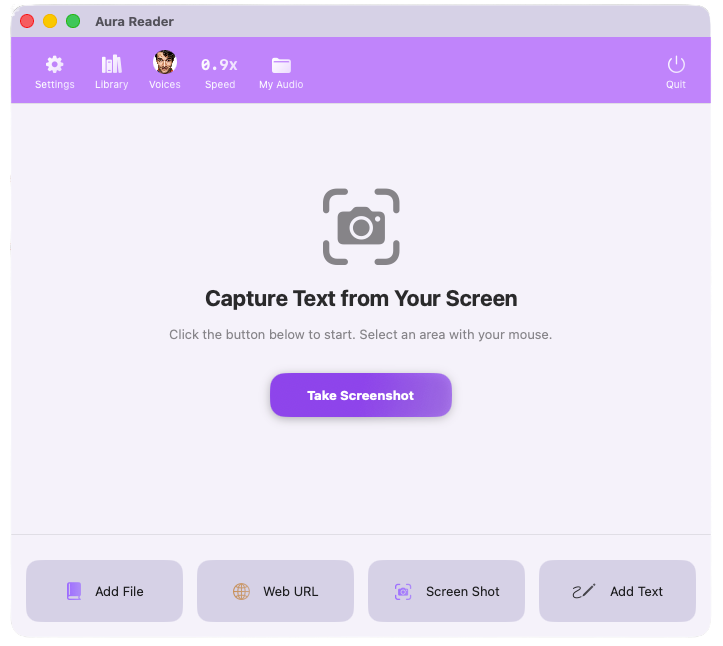
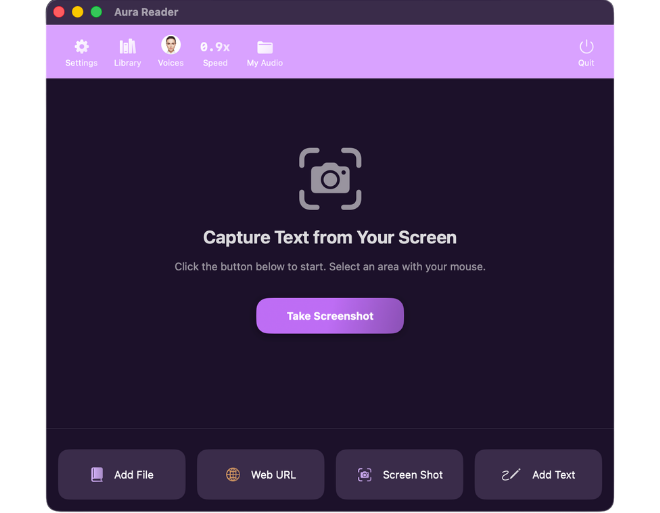
You can also convert content directly from web pages (via URL) or use screen capture to turn any visible text on your screen into audio.
PDFs are often much messier than EPUB books. Headers, footers, citations, URLs, footnotes, and two-column layouts can interrupt the flow of text-to-speech.
Aura Reader automatically cleans up many common PDF formatting issues before generating audio. By default, it skips headers, footers, citations, URLs, and other unwanted text to create a smoother listening experience.
If you prefer to include any of these elements, you can customize them individually in Settings → Pronunciation → Audio Content. Each option can be turned on or off to match the type of document you're listening to.
Aura Reader supports both digital PDFs and scanned PDFs using built-in OCR, making it well suited for textbooks, research papers, and other long-form documents.
Absolutely. The audio you generate is yours to keep and use however you like—podcasts, YouTube videos, courses, and more.
You’re free to use it commercially, as long as you have the rights to the source material.
Yes. Aura Reader supports multiple speakers within a single script.
Simply use tags like: [voice: Adam] or [voice: Bella] to switch voices inline.
Yes. Aura Reader automatically adds natural pauses during narration. You can also insert additional pauses anywhere in your text using tags like [pause: 800ms] to fine-tune timing.
Example: First sentence. Second sentence. [pause: 800ms] Third sentence.
Yes. You can control how words are spoken using the Pronunciation Editor.
Example: You can set: WPM as "Word Per Minute" (or your preferred pronunciation)
Yes. Aura Reader supports MP3, along with M4A and M4B formats.
Use MP3 for maximum compatibility, or M4B for audiobook-style listening with chapters.
Currently, Aura Reader supports English only.
Because proper text processing requires language-specific tuning for elements like numbers, dates, and acronyms, we are focused on delivering an exceptional English experience first before gradually expanding support to additional languages.
Listen Anywhere — Free Forever
Natural voices, unlimited daily listening, and full privacy on your Mac. Turn documents into audio and listen on the go — walking, commuting, or relaxing. Upgrade anytime for just $9.99 lifetime. No subscription.